
TweetReply

A useful little Chrome extension

Write a better reply while the conversation is still moving.

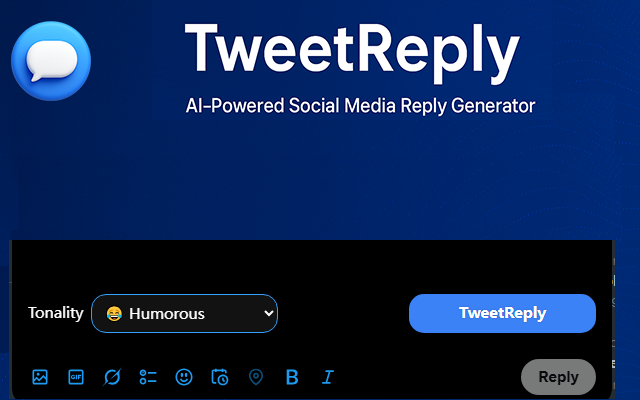
TweetReply suggests relevant responses for Twitter and social media, with controls for tone and style built into a familiar reply box.
  • 10 free credits
  • No social login
  • Works with X and YouTube
chrome-extension://tweetreply
TweetReply Chrome extension reply composer

Built for the reply box

A quicker way to join the conversation

TweetReply keeps the useful controls close and leaves the final wording in your hands.

01

Context-aware suggestions

Start with a response that matches the post instead of staring at an empty field.

02

A tone that fits

Choose a useful direction, then edit the reply until it sounds like you.

03

Private by default

No Twitter password or social account connection is required to use the extension.

How it works

Three steps, right where you already write.

  1. Open a post.Choose the conversation you want to answer.
  2. Pick a tone.Use the extension to shape a suitable starting point.
  3. Review and reply.Adjust the wording and send it when it feels right.
TweetReply reply controls inside a social media composer
The compact composer keeps reply controls alongside the conversation.

Simple plans

Start free, upgrade when replies become routine.

Free

$0to try it

  • 10 free credits
  • Core reply tools
  • Chrome extension access
Install free

Pro

6,000monthly replies

  • For active teams
  • Full reply toolkit
  • Priority email support
Choose Pro

Questions

A few things people ask first

Does TweetReply post automatically?
No. You review, edit and submit the final reply yourself.
Do I need to connect my Twitter account?
No social login is required for the Chrome extension.
Can I change the suggested tone?
Yes. Tone controls help you start in the right direction before you make the reply your own.